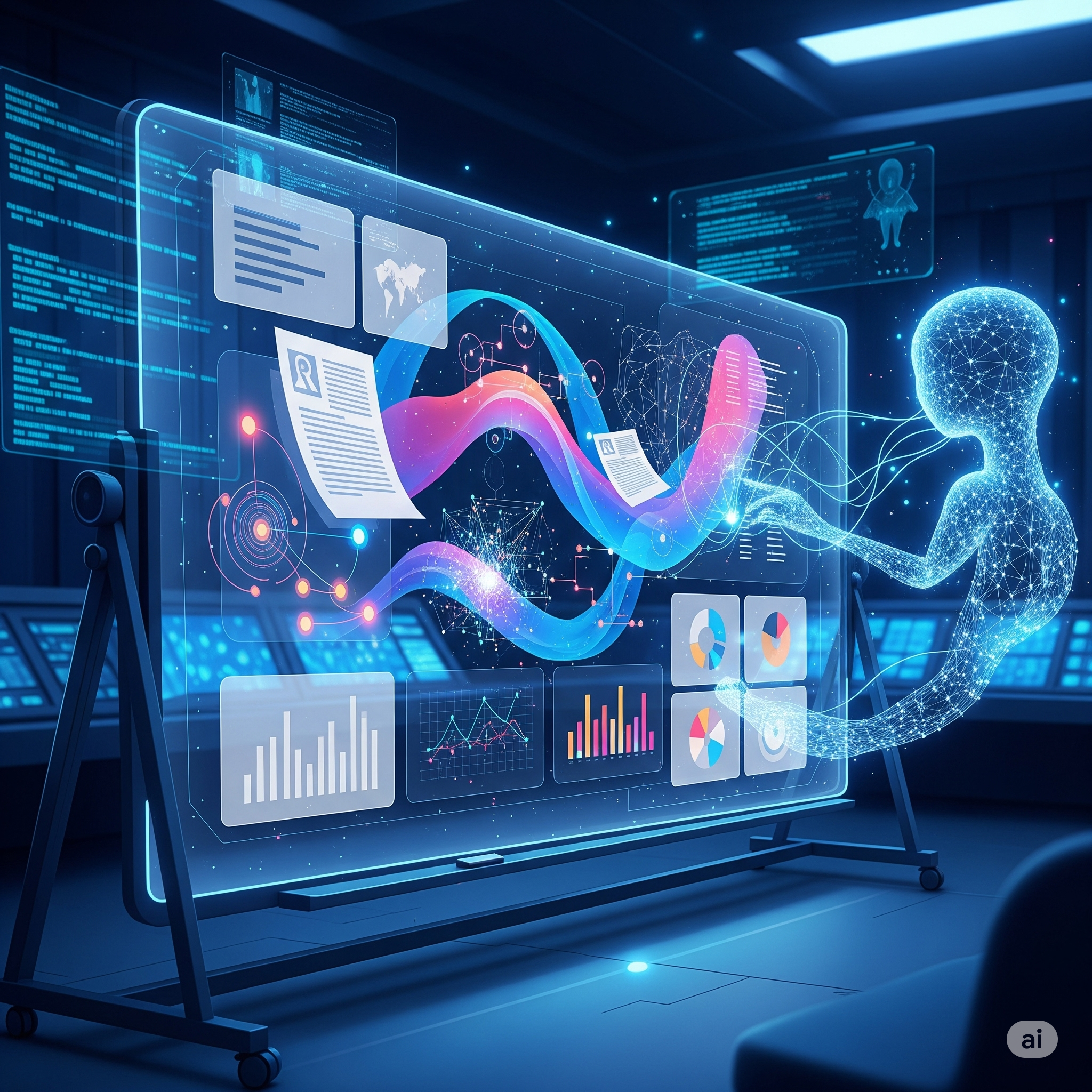
Takeaway: Making Complex Content Click
Google’s Video Overviews in NotebookLM represent a major stride toward democratizing understanding. By making learning audiovisual, interactive, and customizable, users—from students cramming for an exam to professionals digesting dense documentation—can learn smarter, not harder. As features expand, this platform is set to anchor the next wave of research, study, and team collaboration.
Technological innovation in learning isn’t just about access—it’s about making complex content truly understandable for everyone. Google’s latest leap with NotebookLM does precisely that. Their newly launched Video Overviews bring a visual and narrative twist to absorbing information, harnessing artificial intelligence to generate narrated slides that break down even the densest topics. Whether you’re a student, educator, or lifelong learner, here’s why this feature is a real game-changer.
The Evolution of NotebookLM: From Notes to Narrated Videos
NotebookLM has long been praised as a smart research and note-taking assistant, leveraging Google’s AI to organize and summarize knowledge. Last year’s Audio Overviews let users convert notes into conversational audio “podcasts” between two virtual AI hosts. The latest upgrade, however, pushes into new territory: Video Overviews transform your notes, documents, and even PDFs into narrator-led slide shows, complete with relevant images, diagrams, quotes, and data—automatically pulled from your uploaded content.
What Makes Video Overviews Stand Out?
- Dynamic Visuals: The AI doesn’t just read the material; it creates slide decks with visuals that help illustrate key points, clarify difficult concepts, and turn numbers or processes into more tangible content.
- Seamless Narration: Think of it as a video lesson, guided by an articulate AI “host,” tailored to your learning preferences.
- Customization: You decide what topics the slides focus on, set your learning goals, and define the target audience—for beginners or experts alike.
How Video Overviews Work
- Upload Your Content: Notes, research papers, meeting minutes—practically any material you want to understand better.
- Choose ‘Video Overview’ in the Studio Panel: Select the new Video Overview tile, available now to all users in English (support for more languages coming soon).
- Customize: Prompt the AI with special instructions. Want a beginner’s guide? Need a quick review of all diagrams? Or a focused briefing for your team? The AI adapts.
- Engage: Watch narrated slideshows, control playback speed, and skip in 10‑second increments. Visuals, audio, and learning—all in one seamless flow.
The Upgraded Studio Panel: Central Hub for Flexible Learning
The new Studio panel takes this versatility even further:
- Multiformat Output: Quickly generate Audio Overviews, Video Overviews, Mind Maps, and Reports. Each gets its dedicated tile, making creation and navigation intuitive.
- Multiple Versions: Create and store as many outputs as needed—multiple audio or video summaries (even in different languages), mind maps for each chapter, or differently focused reports for various teams.
- Multitask-Friendly: Listen to an Audio Overview while exploring a Mind Map, or review a Study Guide as your Video Overview runs in the background.
- One-Click Sharing: Public notebooks and outputs can be crafted and distributed to audiences worldwide.
Why Does This Matter?
- Visual Learning: Adding slides, diagrams, and images makes abstract or complex topics instantly more graspable.
- Personalization: Learning materials adapt to your specific context—great for study groups, work teams, or solo deep dives.
- Scalability: From a single notebook, you can generate rich outputs for multiple chapters, audiences, or languages, saving countless hours of manual setup.
Real-world Use Cases
- Students: Summarize chapters, visualize scientific processes, or break down historical timelines into digestible AI-narrated videos.
- Professionals: Generate custom video briefings from project docs or notes tailored for each team or stakeholder.
- Educators: Transform curricula into compelling slides, mixing text, graphics, and spoken word for in-class or remote delivery.
- Researchers: Turn dense academic papers into narrated video summaries, making collaboration and review more effective.
Tips for Getting the Most Out of Video Overviews
- Get Specific with Prompts: For laser-focused summaries, describe your audience (“summarize for beginners”), use context (“explain the process in layman’s terms”), or ask targeted questions.
- Combine Formats: Don’t just rely on a single output—mix audio, video, and mind maps for richer perspective.
- Iterate & Save: Store versions for different audiences (e.g., one for students, another for experts), ensuring each group gets information at their level.
FAQs
Is Video Overviews available in languages besides English?
Currently, the feature is rolling out in English; additional languages are in progress.
Can I export or share Video Overviews?
Yes—outputs are easily shareable within NotebookLM and can be made public for broader education or collaboration purposes.
Are the visual and audio elements customizable?
Visuals, narration focus, and learning goals are all customizable through prompt-based instructions.




+ There are no comments
Add yours